 कर्मचारी राज्य बीमा निगम Employee's State Insurance Corporation श्रम एवं रोजगार मंत्रालय, भारत सरकार Ministry of Labour & Employment, Government of India

Regional Office:
What's New
- Tender
- Circular
- Recruitment
- Home
- /
- Press Releases
Press Releases
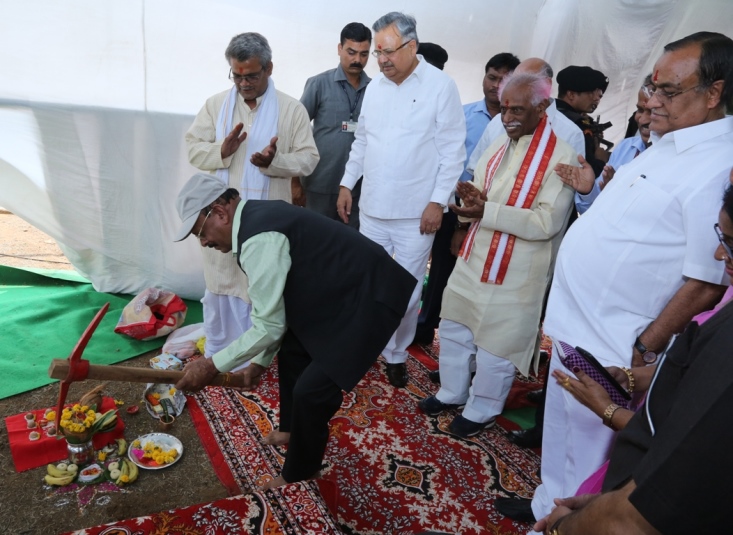
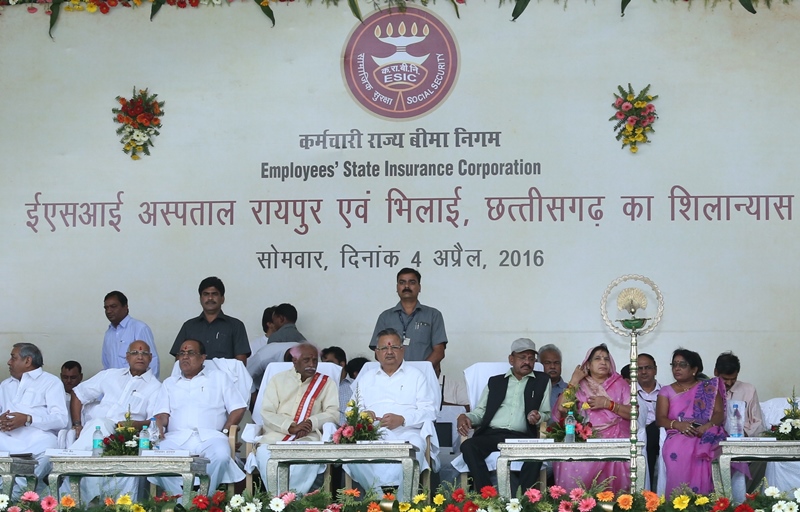
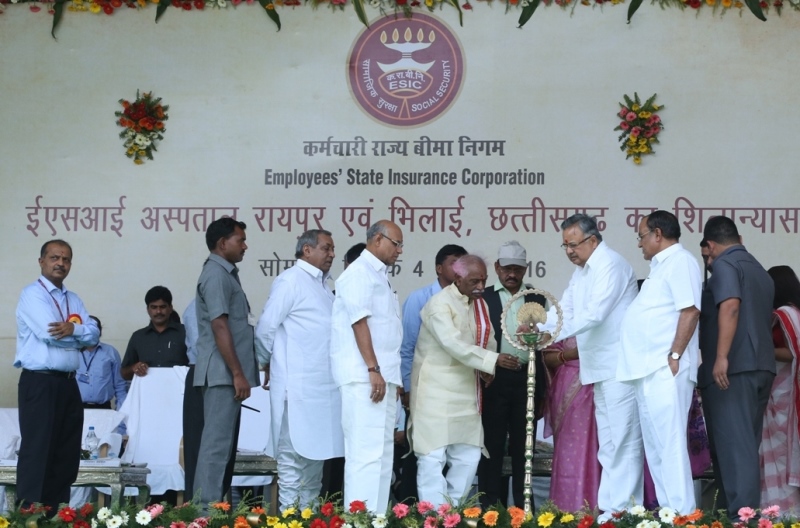
रायपुर एव्म भिलाई में 100 बिस्तरों वाले अत्याधुनिक ईएसआई अस्पतालों का शिलान्यास श्री बंडारु दत्तात्रेय, माननीय श्रम एव्म रोजगार राज्य, भारत सरकार द्वारा सोमवार दिनांक 4 अप्रैल, 2016 को रावाभाठा, रायपुर में किया गया। size:(61.39 KB) Publish Date: 04/04/2016

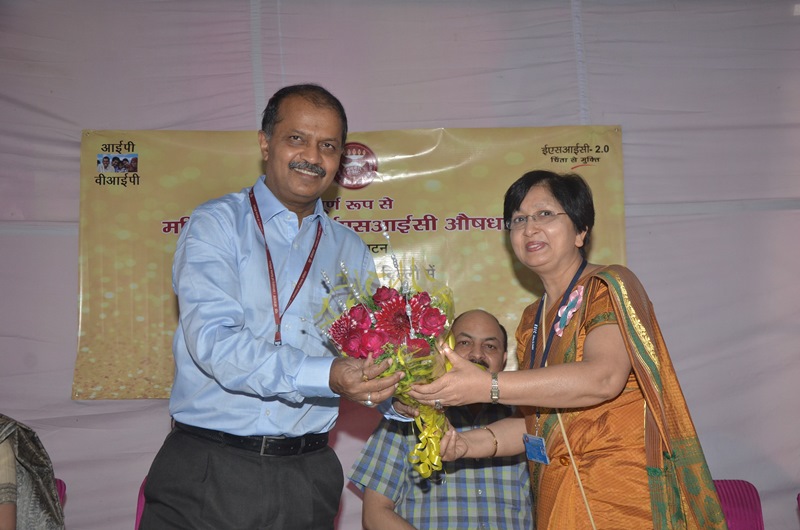
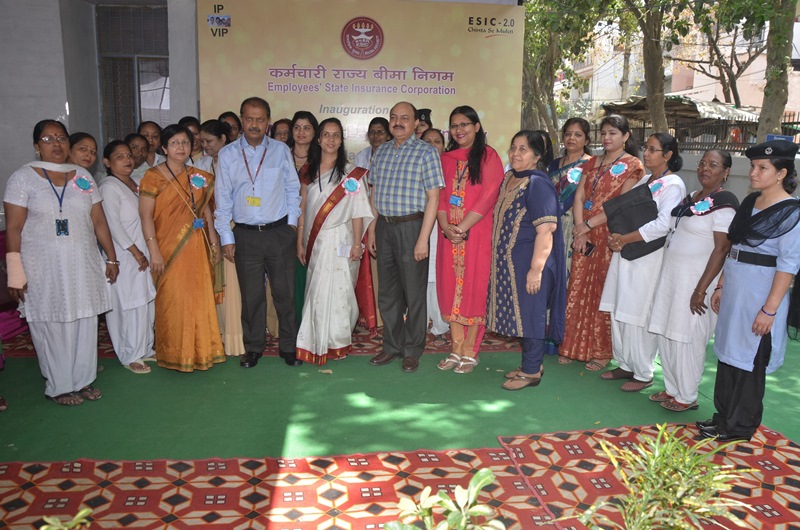
All Women operated ESIC Dispensary at Raghubir Nagar, New Delhi size:(73.84 KB)Publish Date: 16/03/2016
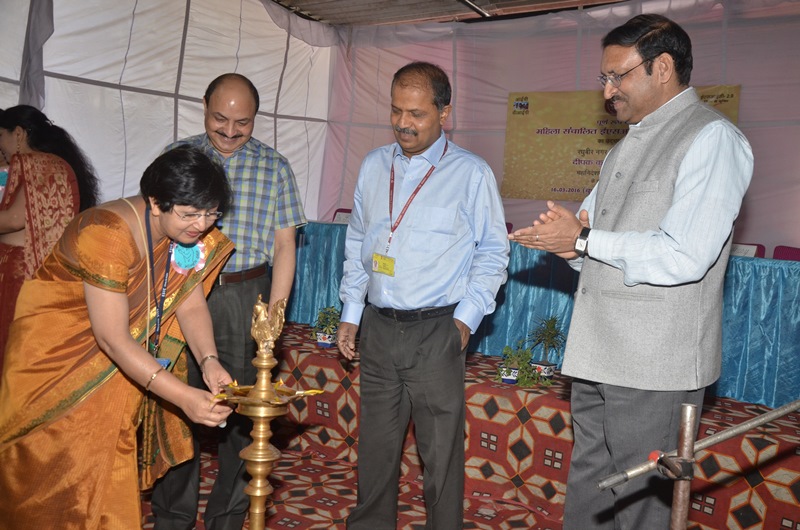
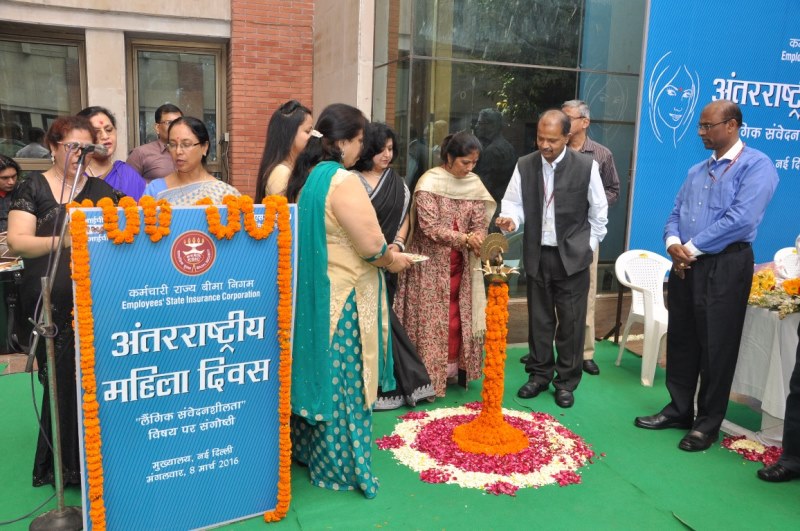
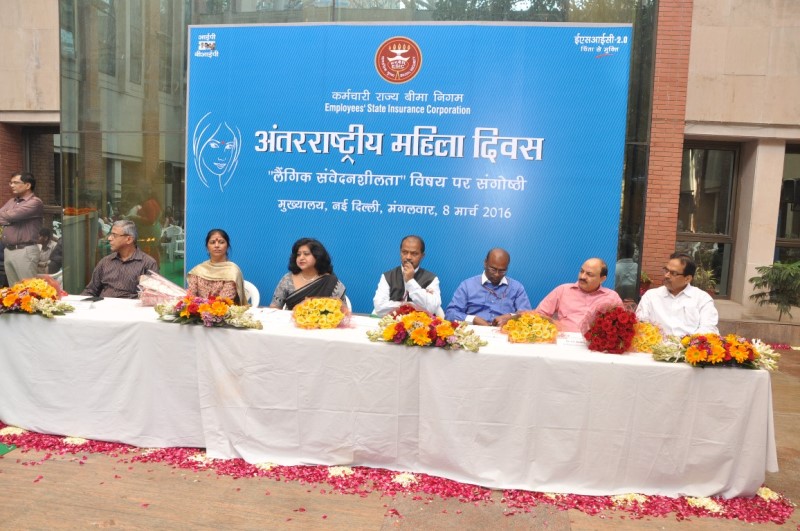
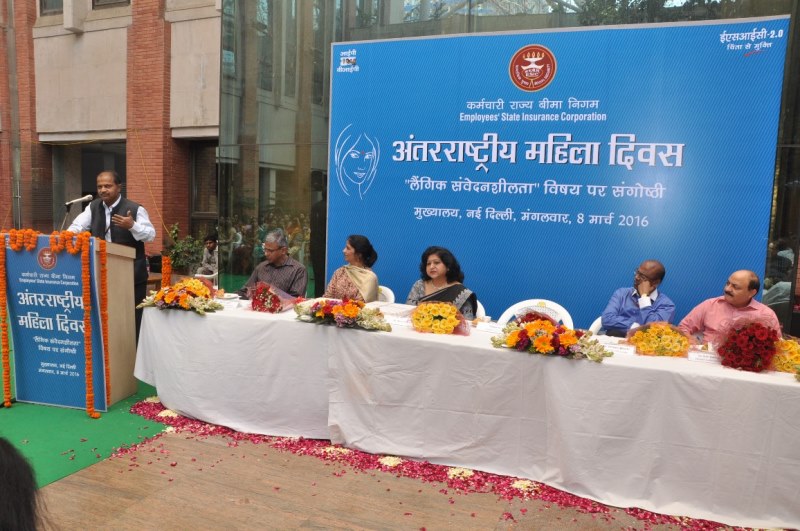
Observance of International Womens Day at ESIC on 08.03.2016 size:(64.50 KB)Publish Date: 08/03/2016
Message by Shri Bandaru Dattatreya, Hon’ble Minister of Labour & Employment, Govt. of India (Independent Charge) on the occasion of ‘World Birth Defects Day’ on 3rd March, 2016 size:(89.49 KB)Publish Date: 03/03/2016
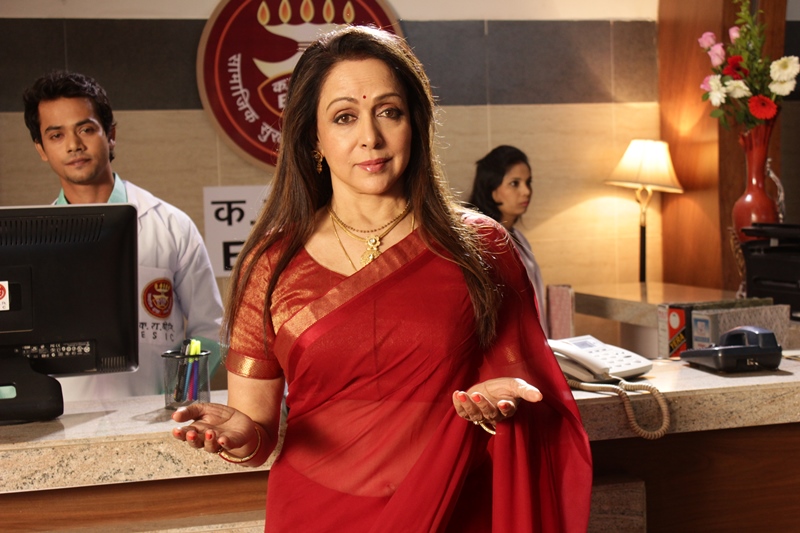
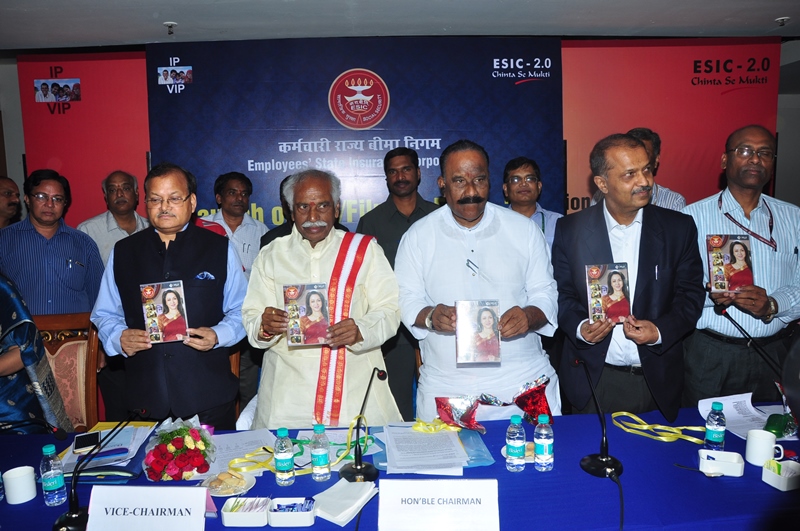
Smt. Hema Malini associates with ESIC in its awareness programme through TVC/Film on ESIC - 2.0 size:(38.91 KB)Publish Date: 15/02/2016


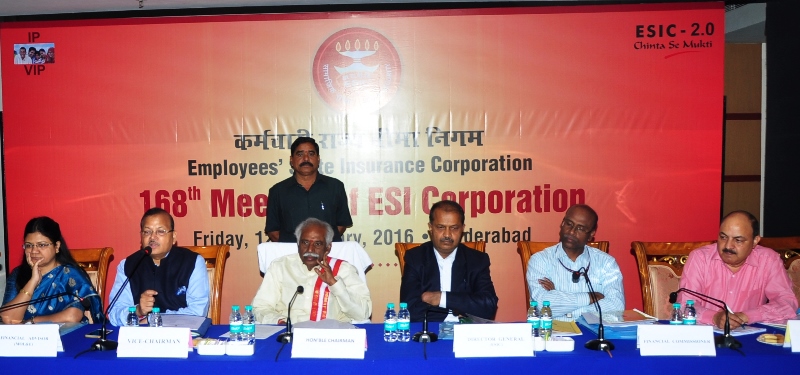
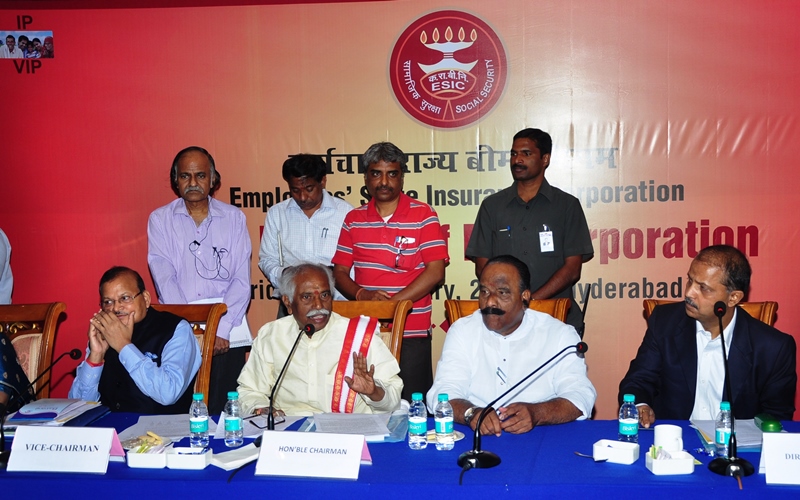
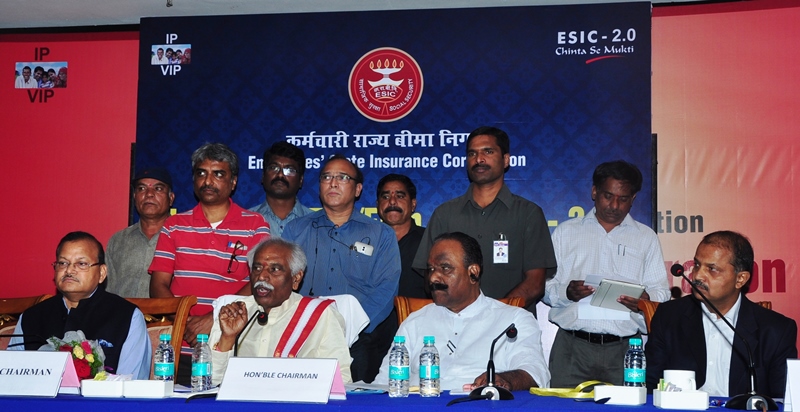
168th meeting of ESI Corporation and launching of new TV commercial/film on 12.02.2016 size:(42.81 KB)Publish Date: 12/02/2016
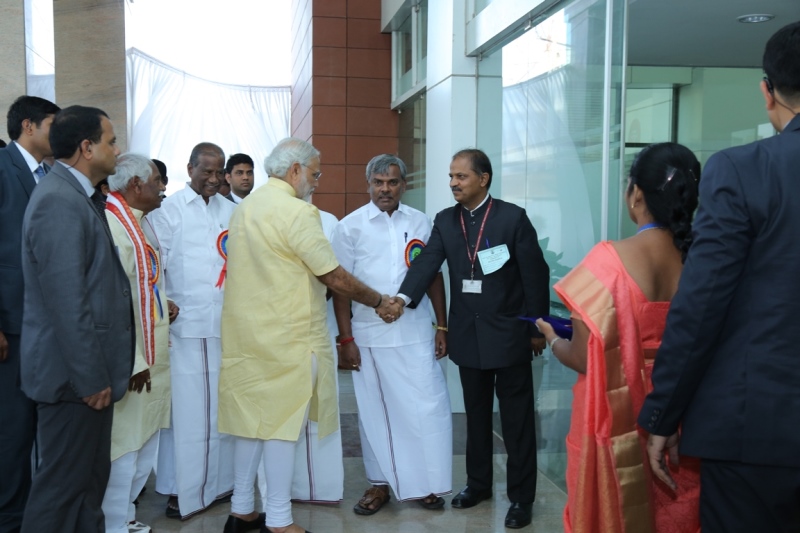
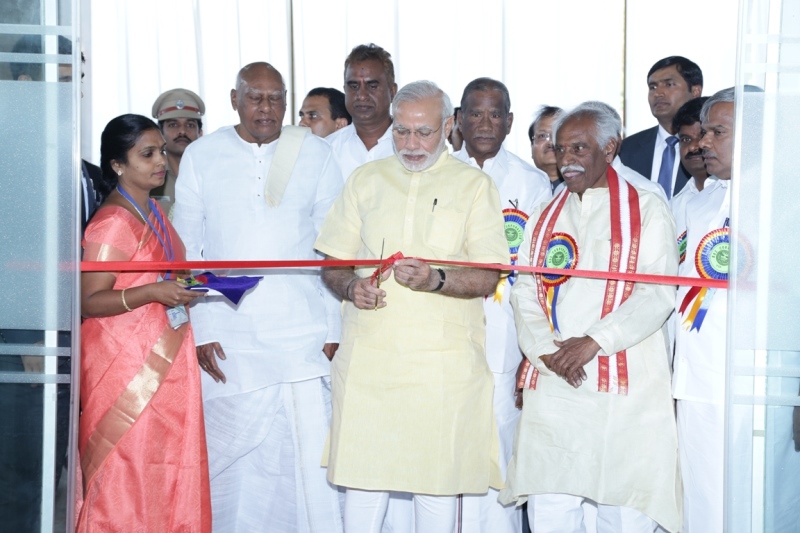
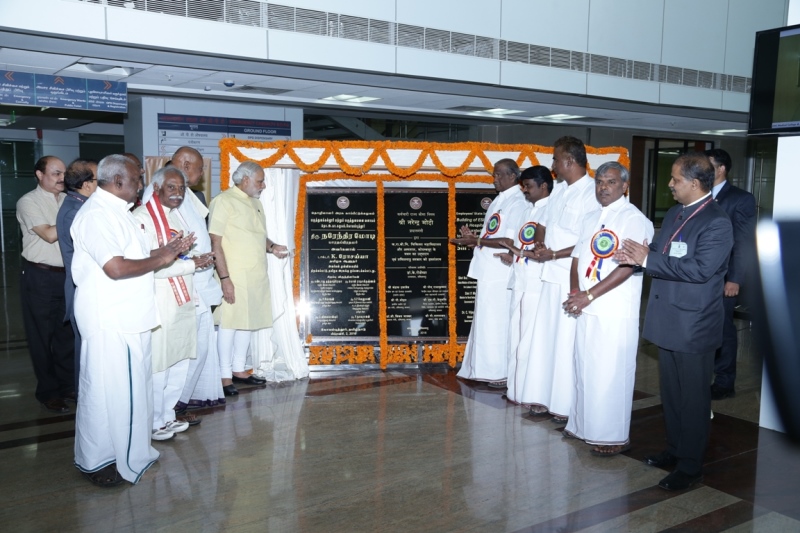
Only the ‘Swasth and Samridh’ workforce will make a ‘Samridh Rashtra’ says - Shri Narendra Modi, Hon’ble Prime Minister while inaugurating the newly constructed Building of ESIC Medical College & Hospital at Coimbatore and handing over it to the Govt. of Tamil Nadu on 02.02.2016 (Tuesday) size:(27.50 KB)Publish Date: 02/02/2016
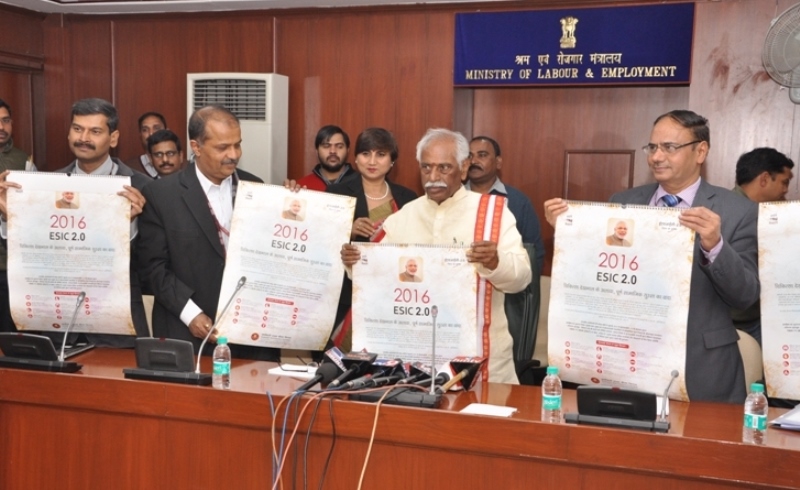
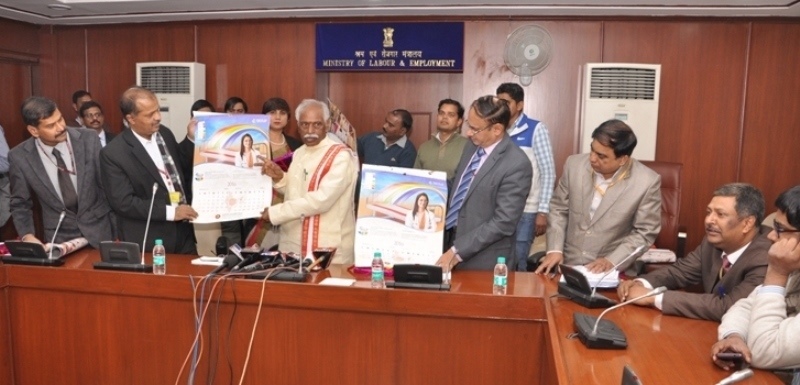
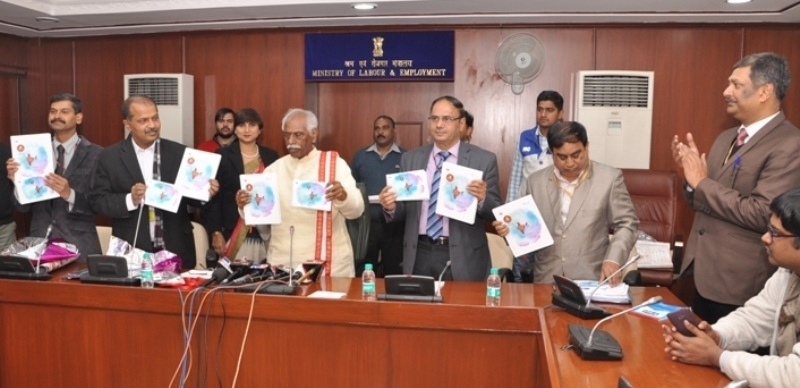
Release of ESIC Calendar and Diary for the year 2016 size:(31.33 KB)Publish Date: 06/01/2016
Last updated / Reviewed : 2026-03-17